
How booking a storage unit works
In just 6 steps, customers can easily and quickly book a storage unit, pay and start using it right away. MyYounit handles the entire process, from reservation to access and administration.
Your tenant searches for a storage unit
Customers can view your available storage units and book directly online 24/7. Through your website or the personalised app, they quickly find the right space.
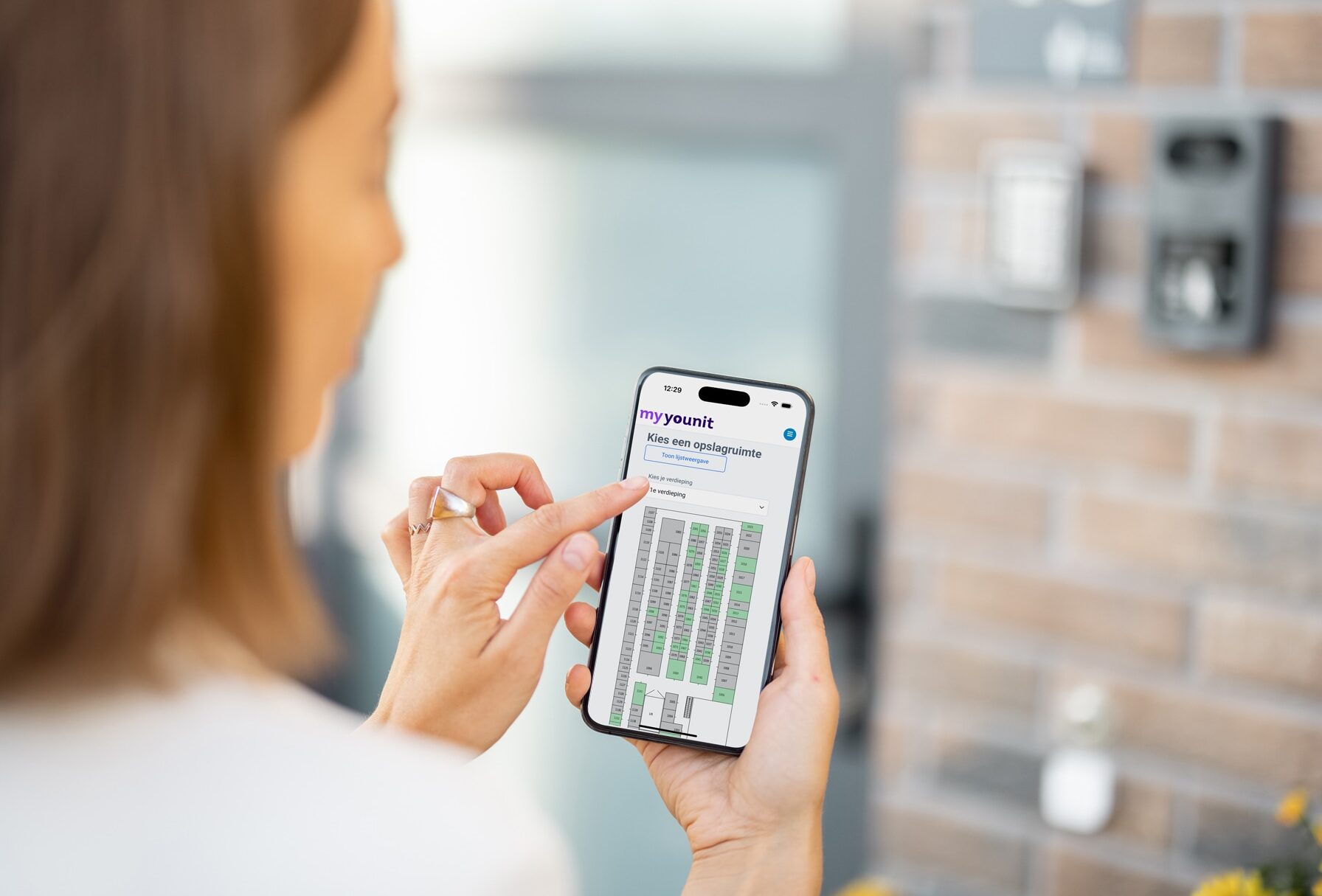
The tenant books a unit
With just a few clicks, thanks to filters, an interactive floor plan and options for discounts or dynamic pricing. The booking process is intuitive and fast.
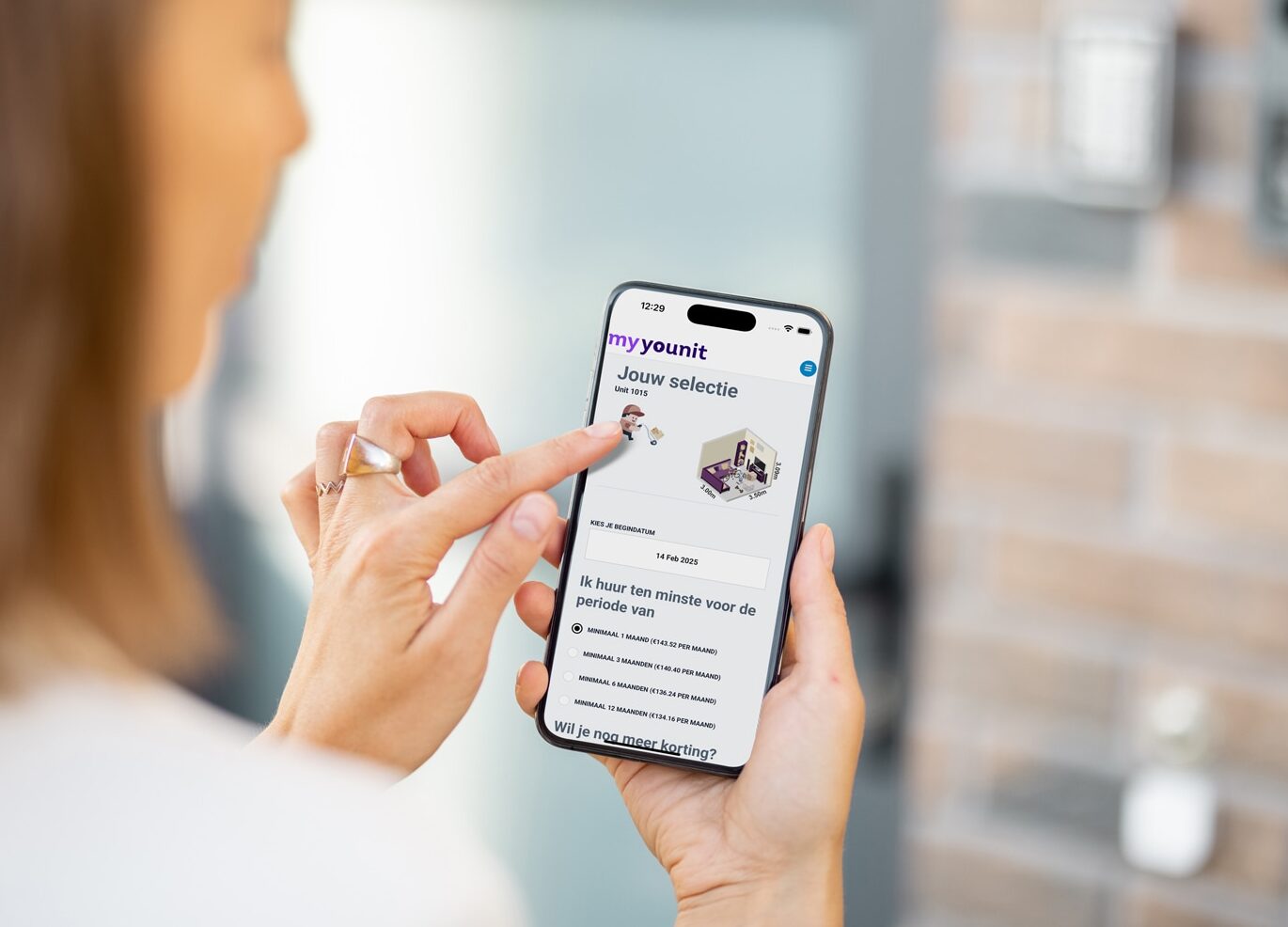
Automated confirmation
The system automatically sends all necessary information via email and SMS, including contracts and house rules. Everything is signed digitally.

Payment and administration sorted
Thanks to Mollie, the payment is processed immediately, invoices are automatically generated and linked to your accounting system. No more manual work.
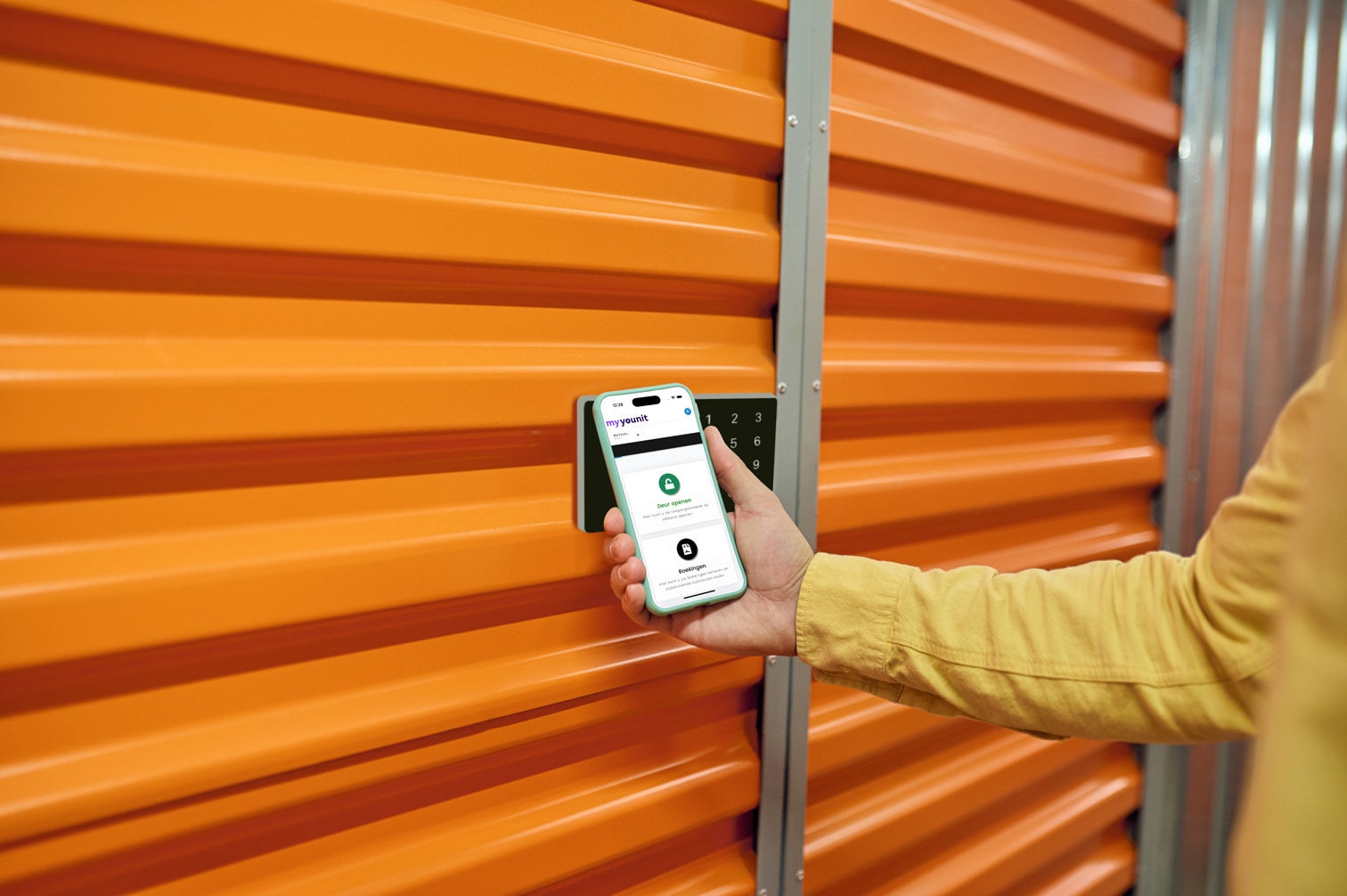
Immediate access to the storage unit
On the start date, the tenant has access via mobile phone, magnetic card or PIN code. No keys, no waiting times.

Monthly direct debit
Rent is simply collected automatically or can be paid via bank transfer. In the event of a chargeback, the customer automatically receives a reminder with a payment link.